Power Query and Get & Transform: Getting Started
If you are a novice Get & Transform Data user, this course will help you to navigate your way comfortably around the user interface. Learn the basics of using Power Query to connect, combine and transform your data, so that it meets your analysis needs.
£100 +VAT

Power Query and Get & Transform: Getting Started
£100 +VAT
Power Query and Get & Transform: Getting Started
This course is not currently available. To find out more, please get in touch.
This course will enable you to
- Understand the basics and confidently navigate the Get & Transform Data features
- Connect different data sources and load them into Power Pivot, Excel or Power Query
- Append and merge queries for easier analysis and combine Excel files from a folder
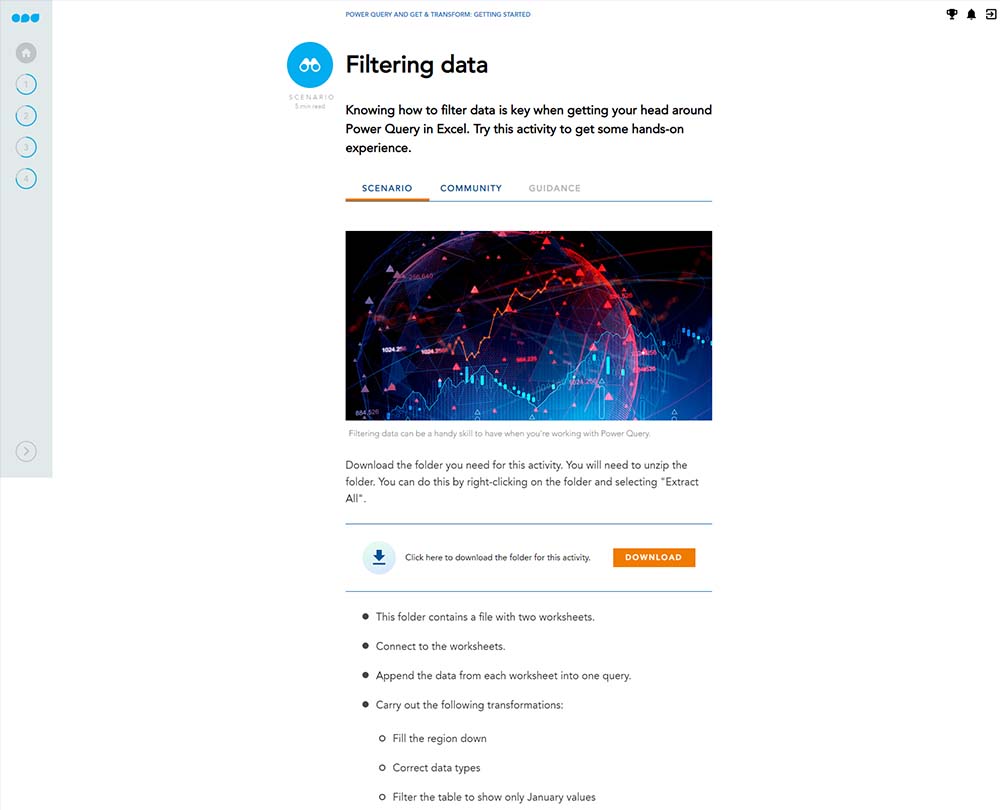
- Use the column and row transformation options in Power Query
- Change the structure and layout of tables into a format you can work with
About the course
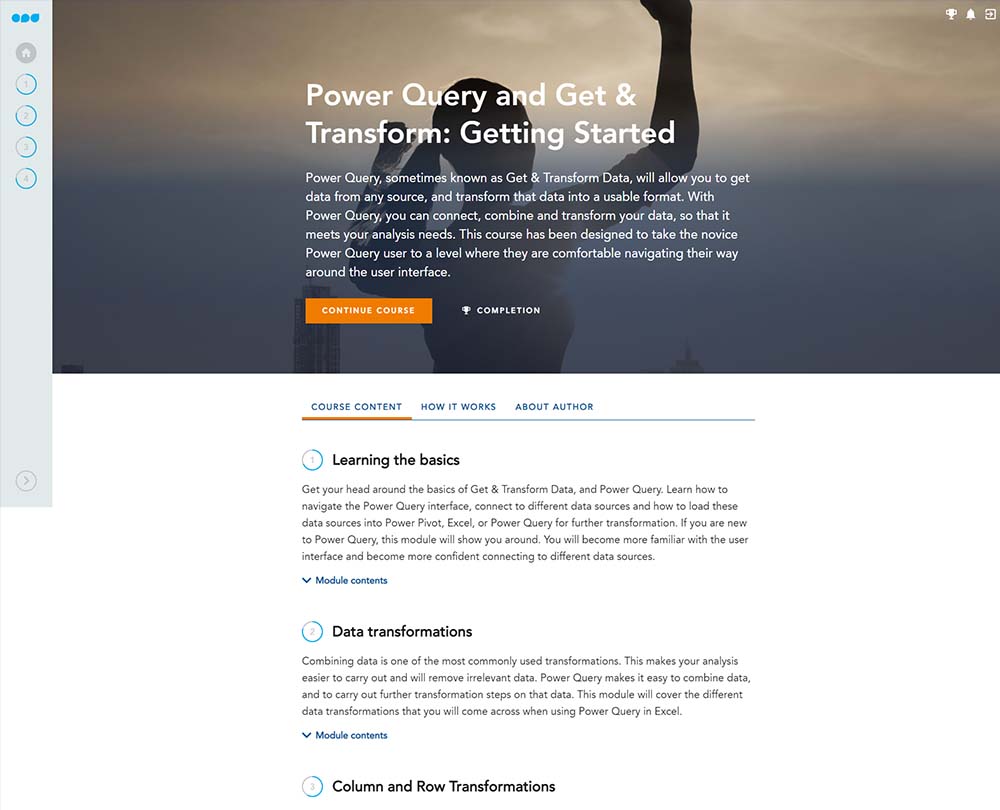
Get & Transform Data, also known as Power Query, enables you to get data from any source and transform it into a usable format. As an accountant, you know that organisations often have a vast quantity of data, often be in many different forms. Using Get & Transform you can connect, combine and transform your data, so that it meets your analysis needs.
If you are a novice Get & Transform Data user, this course will take you to a level where you are comfortable navigating and using the features of this user interface. Learn how to connect to different sources, including CSV files and web data, as well as understanding the different data transformations, such as appending queries, and merging join types. Discover how to make the most of column and row transformation options in Power Query and use table transformations to create a table format that you can actually work with.
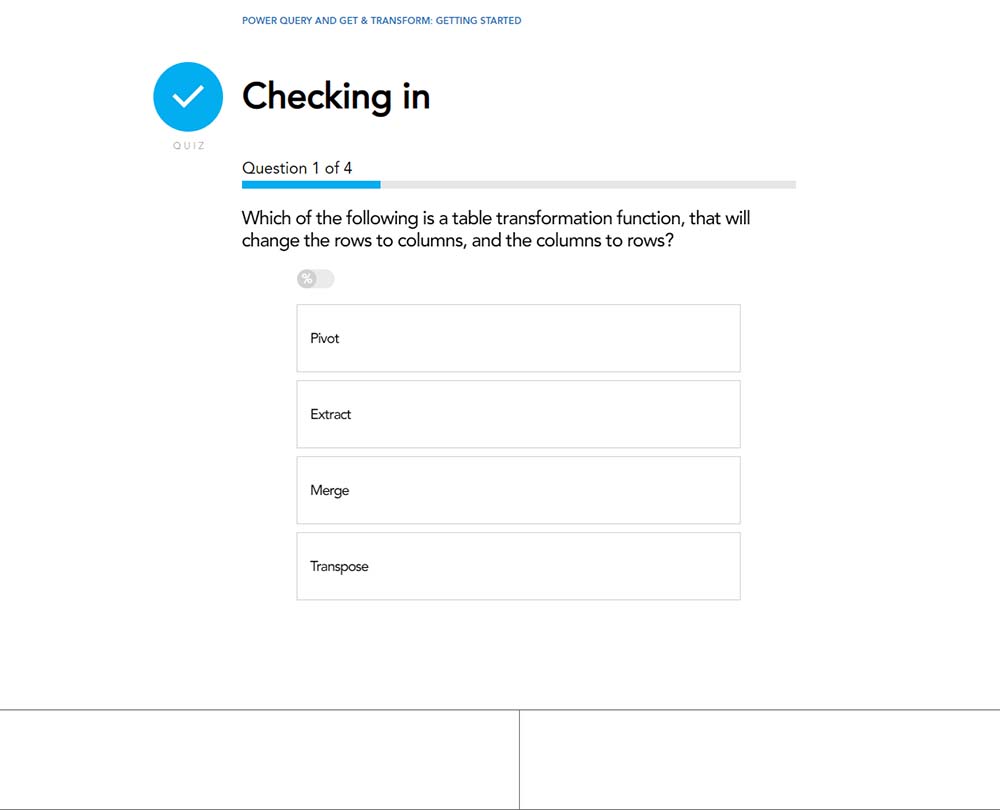
Contents
Learning the basics
Welcome
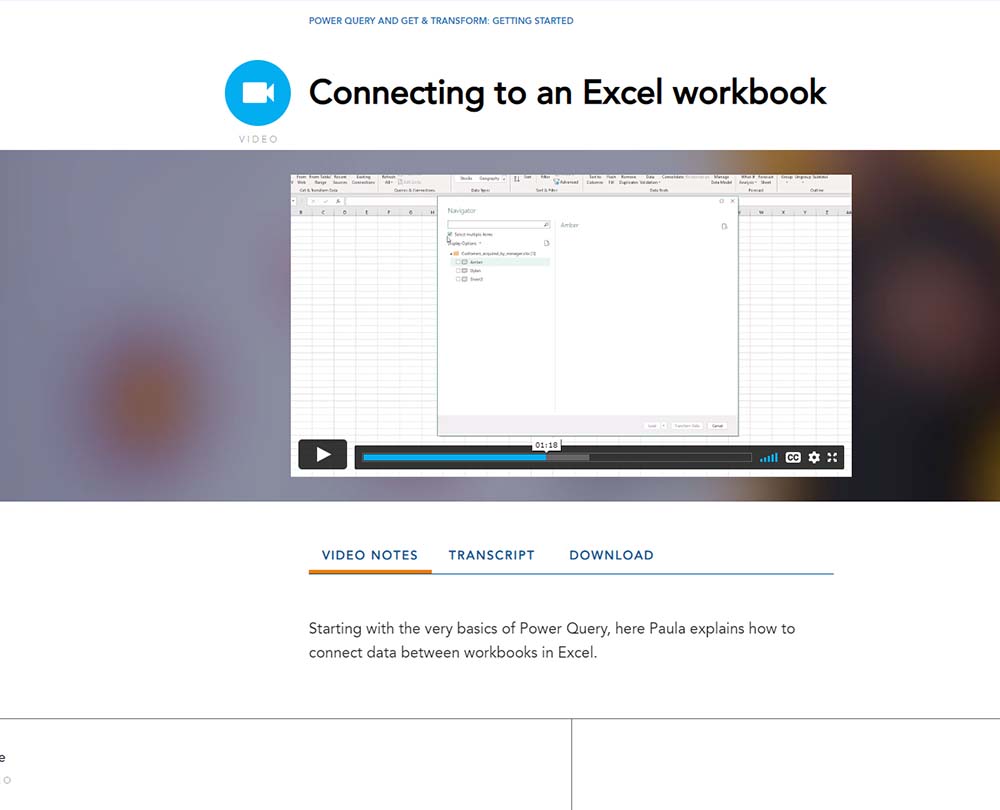
Connecting to an Excel workbook
Navigating Power Query
Connecting to a CSV/text file
Connecting to web data
Data transformations
Welcome
Applied steps and properties
Appending queries
Merging queries
The impact of merge types
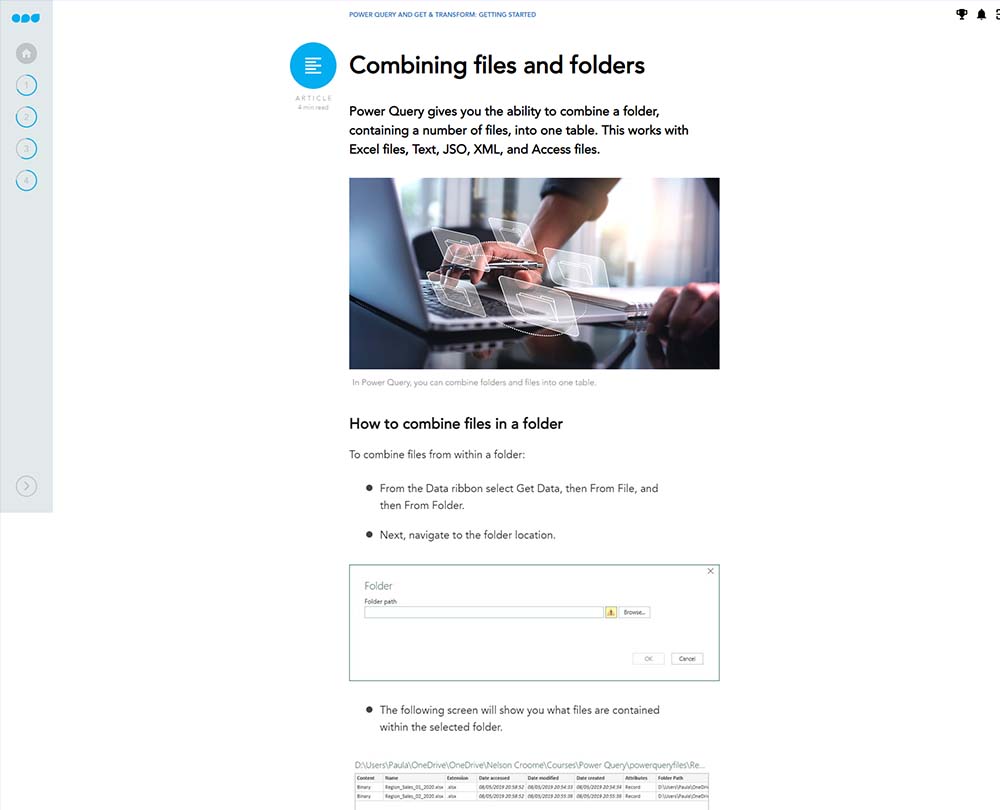
Combining files and folders
Connecting to folders: The solution
Column and Row Transformations
Welcome
Working with columns in a table
Replacing values and filling data
Changing data types
Reducing rows
Table transformations
Welcome
Working with text columns
Grouping data
Transposing data
Transformations
Working with bad data: the solution
How it works
Author

Paula Guilfoyle
Paula practiced in Industry for over 15 years, working with both small and large private companies, before moving on to teach Excel and Power BI to accountants and professionals.
You might also like
Take a look at some of our bestselling courses