Advanced Excel Formulas for Accountants
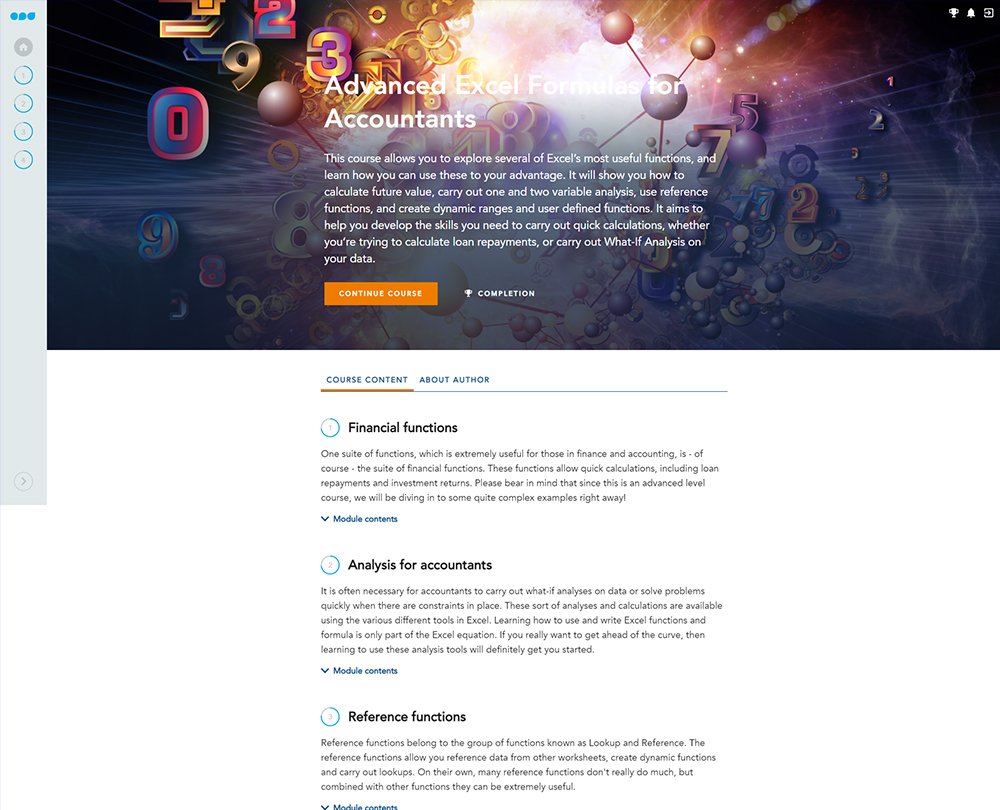
This course explores advanced Excel accounting functions and how you can apply them in your finance work. Learn how to calculate future value, carry out one and two variable analysis, use reference functions, create dynamic ranges and more, in this course.
£100 +VAT

Advanced Excel Formulas for Accountants
£100 +VAT
Advanced Excel Formulas for Accountants
This course is not currently available. To find out more, please get in touch.
This course will enable you to
- Employ Excel’s suite of financial functions to calculate loan repayment and investment returns
- Use functions such as Goal Seek and Scenario Manager, to analyse data and solve problems including both one and two variable analysis
- Use OFFSET, INDIRECT and other Lookup and Reference functions to reference data from other worksheets, create dynamic functions and carry out lookups
- Use named ranges and user defined functions to make navigation easier and formulas simper to read
About the course
Contents
Financial functions
Welcome
Future value
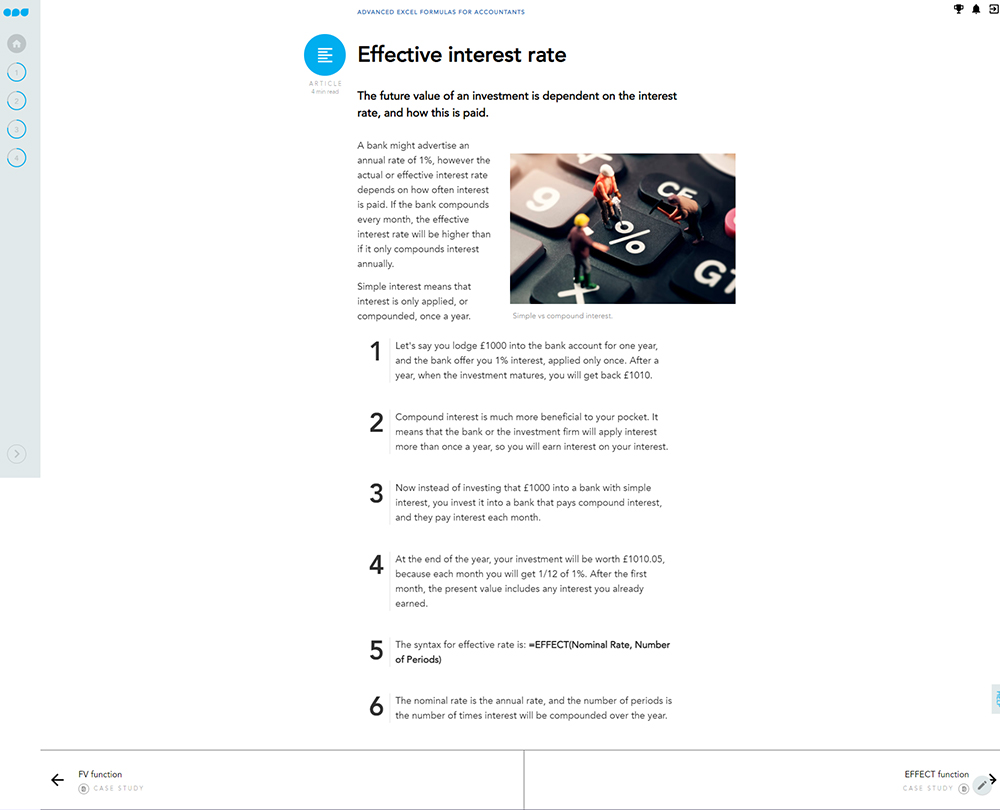
Effective interest rate
Present and net present values
NPV function
Lenders and the PMT function
Analysis for accountants
Welcome
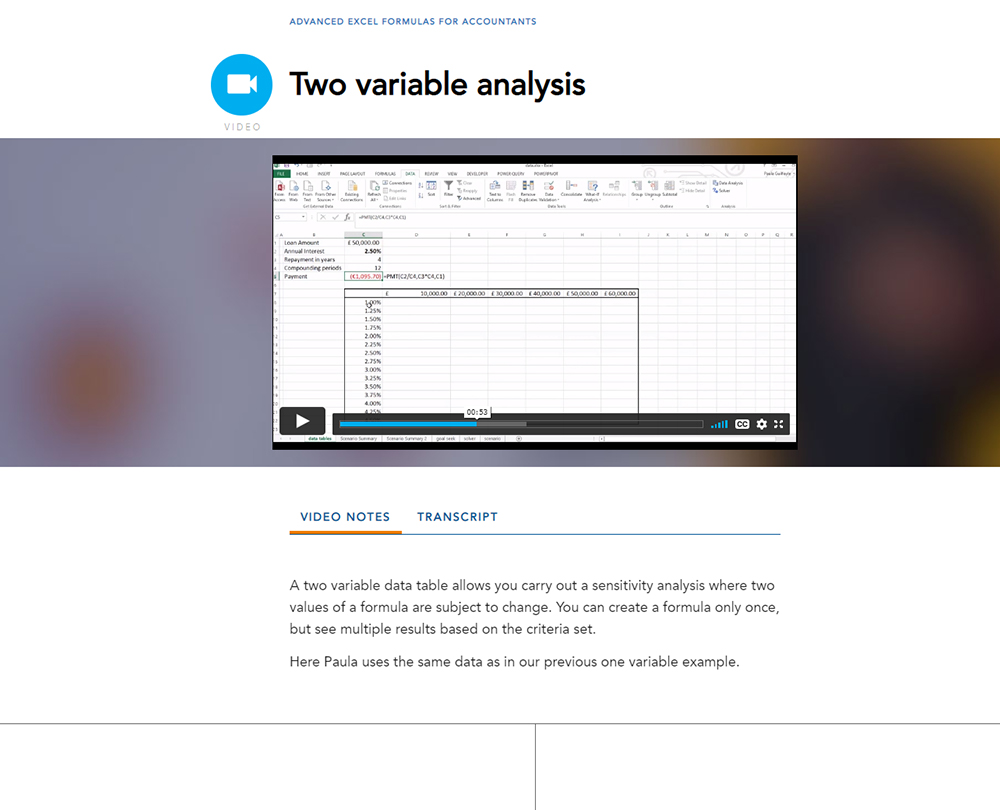
Two variable analysis
What are Scenario Manager, Goal Seek and Solver?
Scenario Manager
Goal Seek
Solver
Reference functions
Welcome
The benefits of reference functions
OFFSET function
OFFSET
INDIRECT Function
INDIRECT
ROWS and COLUMNS
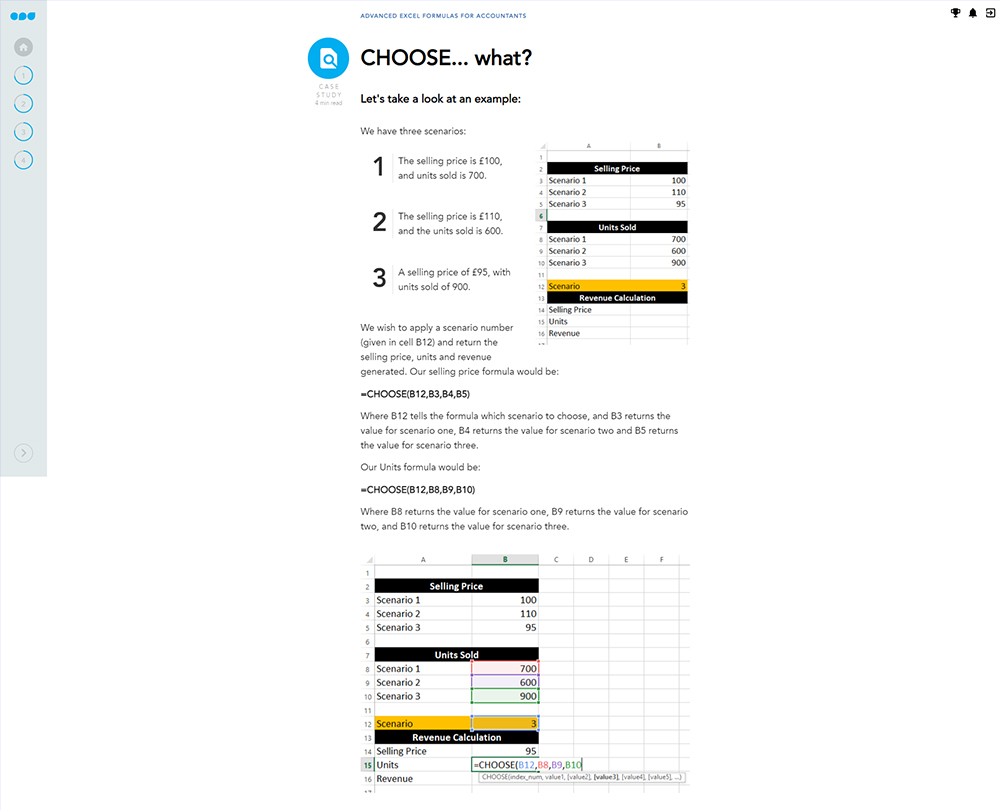
CHOOSE function
Named ranges and user defined functions
Welcome
Benefits of named ranges
Setting up a dynamic named range
User Defined Functions
LET function
How it works
Author

Paula Guilfoyle
Paula practiced in Industry for over 15 years, working with both small and large private companies, before moving on to teach Excel and Power BI to accountants and professionals.
You might also like
Take a look at some of our bestselling courses