Data Analysis for Accountants: Power BI
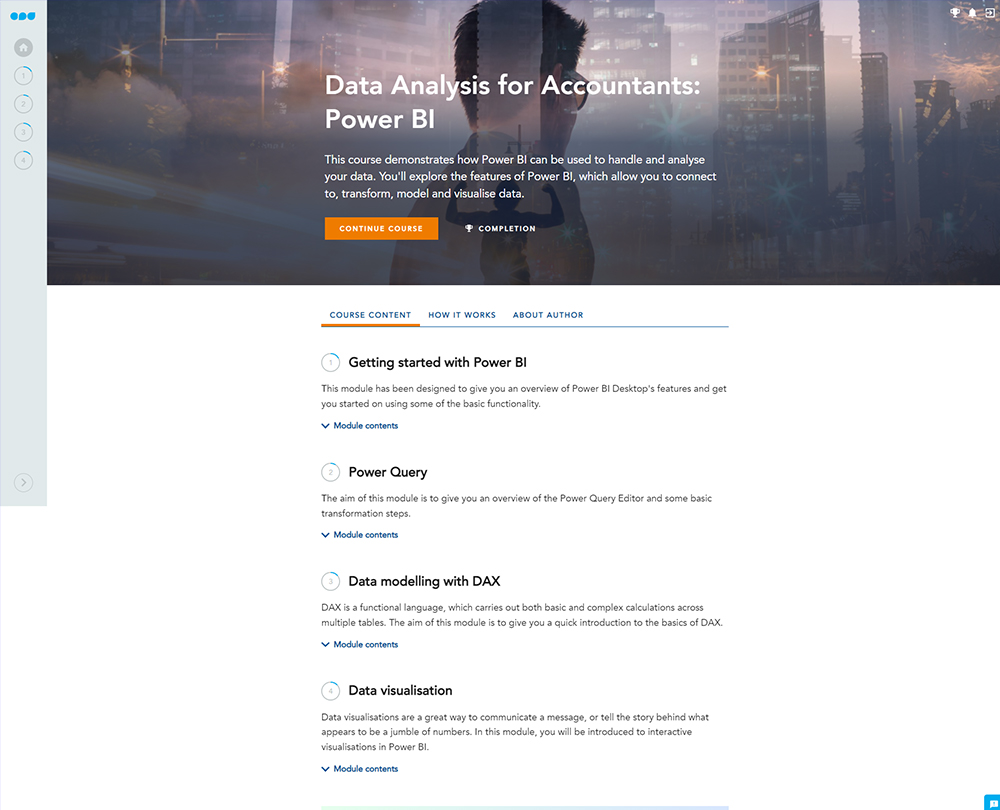
This course introduces you to Power BI, Microsoft’s powerful data analysis tool, and how it can benefit you in your finance role. Transform the way you handle and analyse data, creating a range of interactive data visualisations.
£100 +VAT

Data Analysis for Accountants: Power BI
£100 +VAT
Data Analysis for Accountants: Power BI
This course is not currently available. To find out more, please get in touch.
This course will enable you to
- Use Power BI’s “Power Query” to connect to and transform your data into a useable format
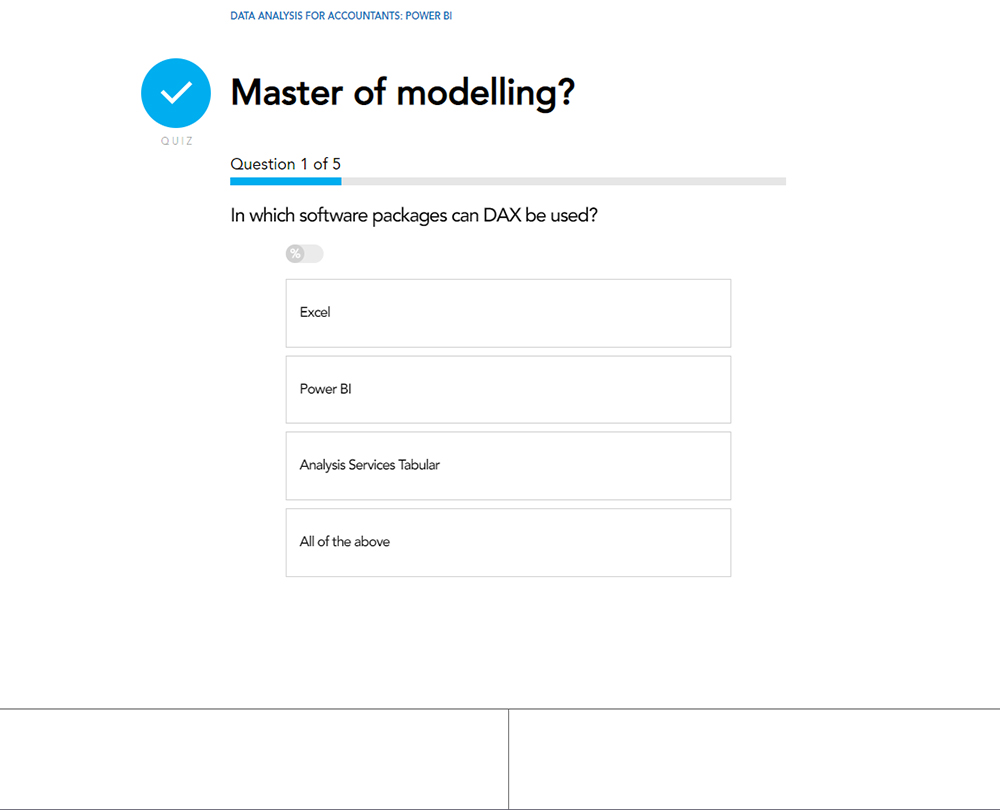
- Gain a deeper understanding of DAX (the language used in Power Pivot Excel)
- Build on your ability to analyse data and learn to spot trends and patterns
- Tell the story of your data using Power BI’s data visualisations
About the course
Power BI is a self-service business intelligence package from Microsoft that helps you analyse across data sets and really get behind the numbers. It builds on Excel concepts but enables even more powerful data manipulation. It’s a tool that every accountant can benefit from.
This course gives you an introduction into Power BI and helps you to develop the skills you need to handle and organise your data beyond what’s possible in Excel. You’ll explore the features of Power BI, which allow you to connect to, transform, model data. Gain an understanding of the data visualisations available in power BI that enable you to tell a story with your data.
Microsoft Power BI is currently only available for Windows. This course may not be suitable for those using Apple Mac.
Contents
Getting started with Power BI
Power BI Desktop
Overview of Power BI
Connecting to and transforming data
Relationships
Visualising data
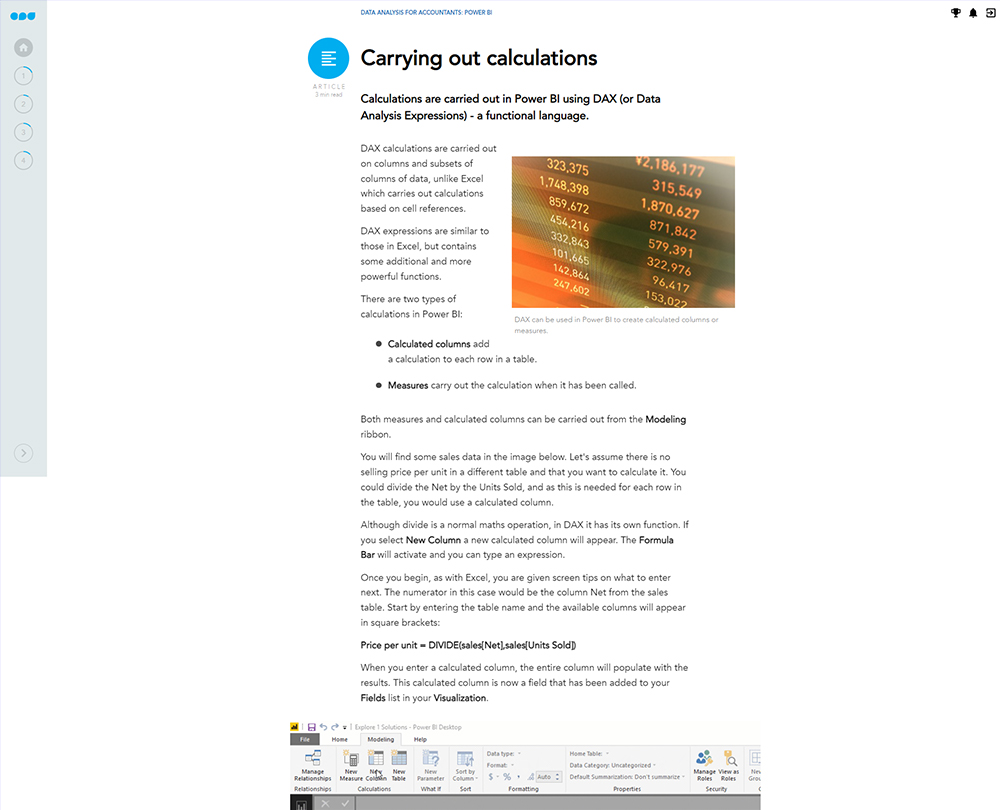
Carrying out calculations
Power Query
Power Query Editor
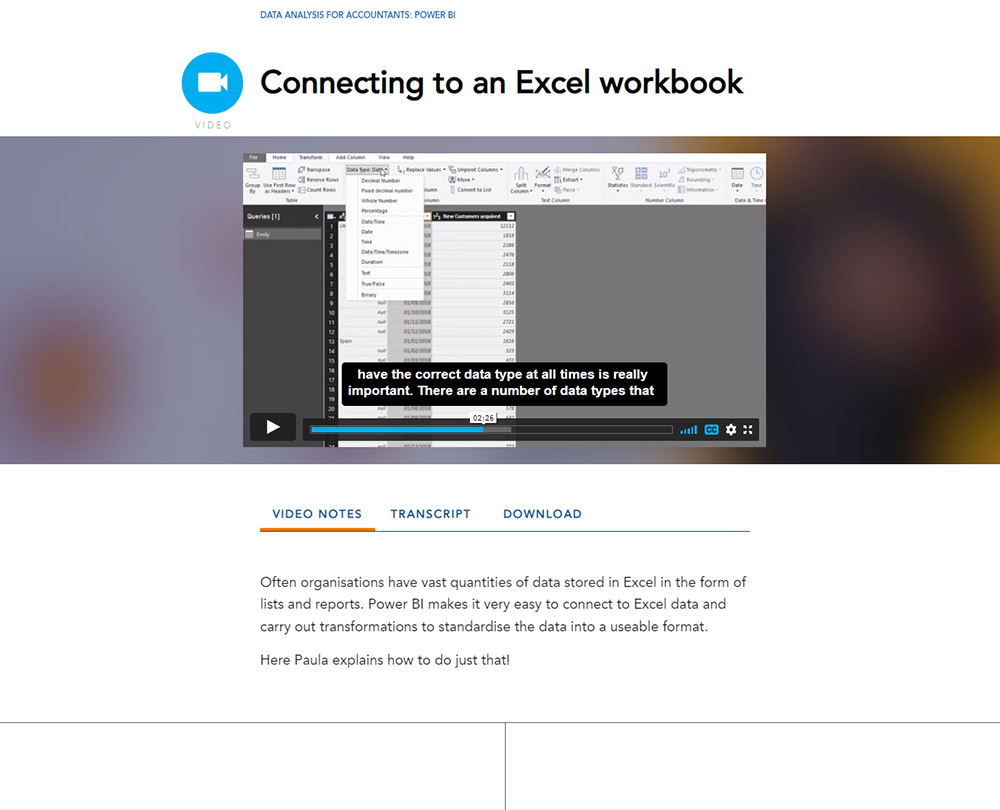
Connecting to an Excel workbook
Changing a query
Connecting to a folder
Data modelling with DAX
What is DAX?
Calculated columns
Measures
X expressions
Related tables
Data visualisation
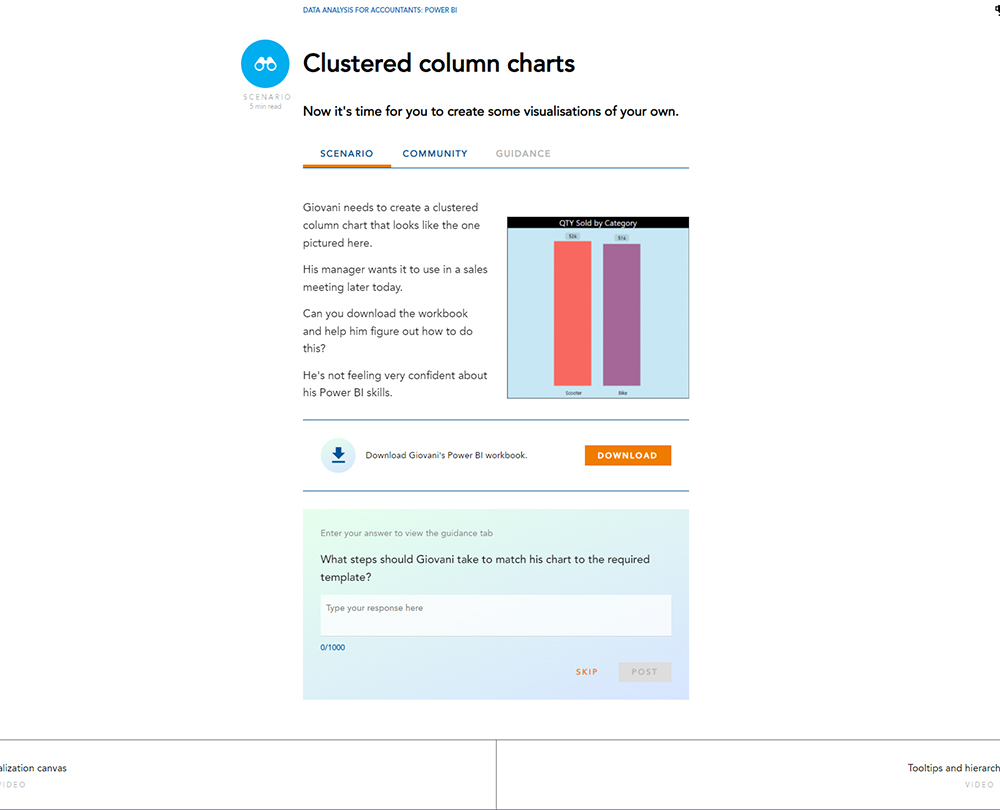
Visualization canvas
Tooltips and hierarchies
Slicers and chart interactions
KPI visualisations
Choosing the right visualisation
How it works
Author

Paula Guilfoyle
Paula practiced in Industry for over 15 years, working with both small and large private companies, before moving on to teach Excel and Power BI to accountants and professionals.
You might also like
Take a look at some of our bestselling courses