Excel for Accountants: Getting Started
Excel is a powerful calculation tool, record keeper and a tool for reporting and analysing. This course takes you through the features and functions available. Enhance your knowledge of navigating an Excel workbook, formatting data, and more.
£100 +VAT

Excel for Accountants: Getting Started
£100 +VAT
Excel for Accountants: Getting Started
This course is not currently available. To find out more, please get in touch.
This course will enable you to
- Understand the basics of Excel including opening and saving workbooks, and navigating ribbons to find the commands you need
- Sort, filter and format data to present reports in an attractive, and easy to understand way
- Use print and preview options including how to insert headers and footers, and how to adjust page, margin and sheet options
- Insert and format tables and charts in Excel
- Understand how to use slicers, timelines and sparklines
About the course
Not only is Excel a powerful calculation tool and record keeper, but it is also a tool for reporting and analysing. With so many features and functions available, getting started with Excel can be daunting to many. However, it doesn’t have to be difficult. This course is designed to take you through the basics, step by step.
By the end of this course, you will be comfortable navigating an Excel workbook, entering and formatting data, setting print options, inserting various items into your worksheets and much more.
Contents
Your first look at Excel
In this module…
Opening and saving an Excel workbook
The basics of workbooks
Understanding ribbons
Navigating the ribbons
Entering data
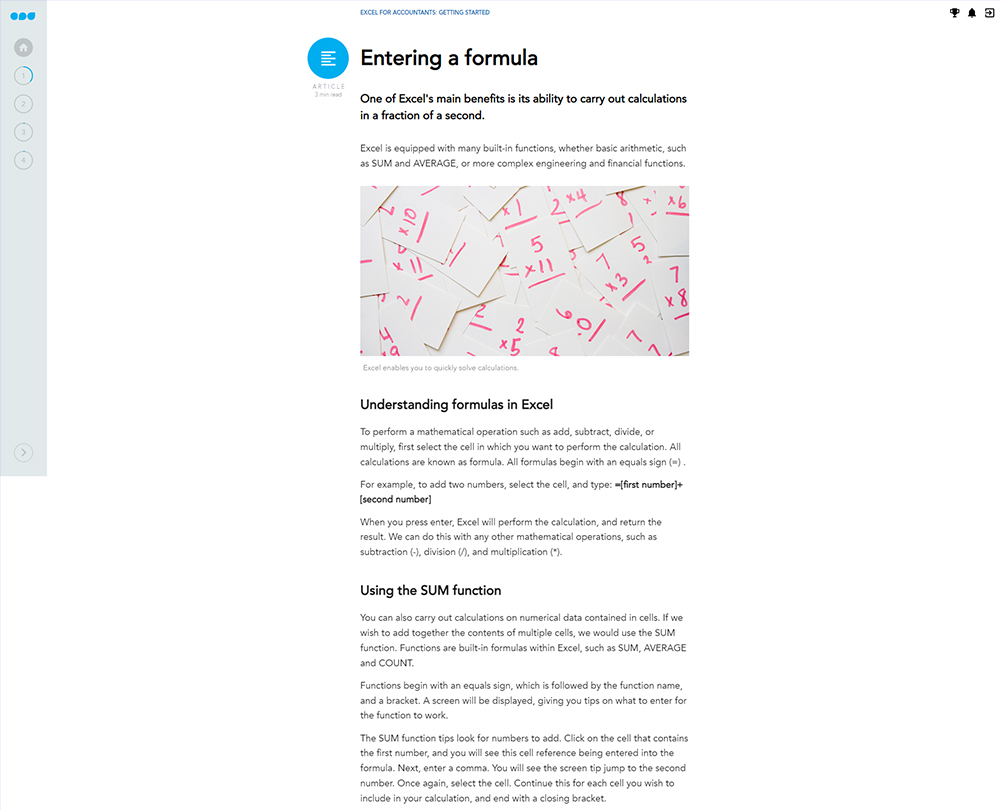
Entering a formula
Working with formulas
Navigating a workbook and selecting data
Using the Quick Access Toolbar
Editing the Quick Access Toolbar
Working with data
In this module…
Understanding AutoFill
Using AutoFill
Cut, Copy, Past, Undo, and Redo
Sorting and filtering
How to sort and filter data
Finding and replacing data
Finding data
Working with font and number formatting
Alignment and applying borders
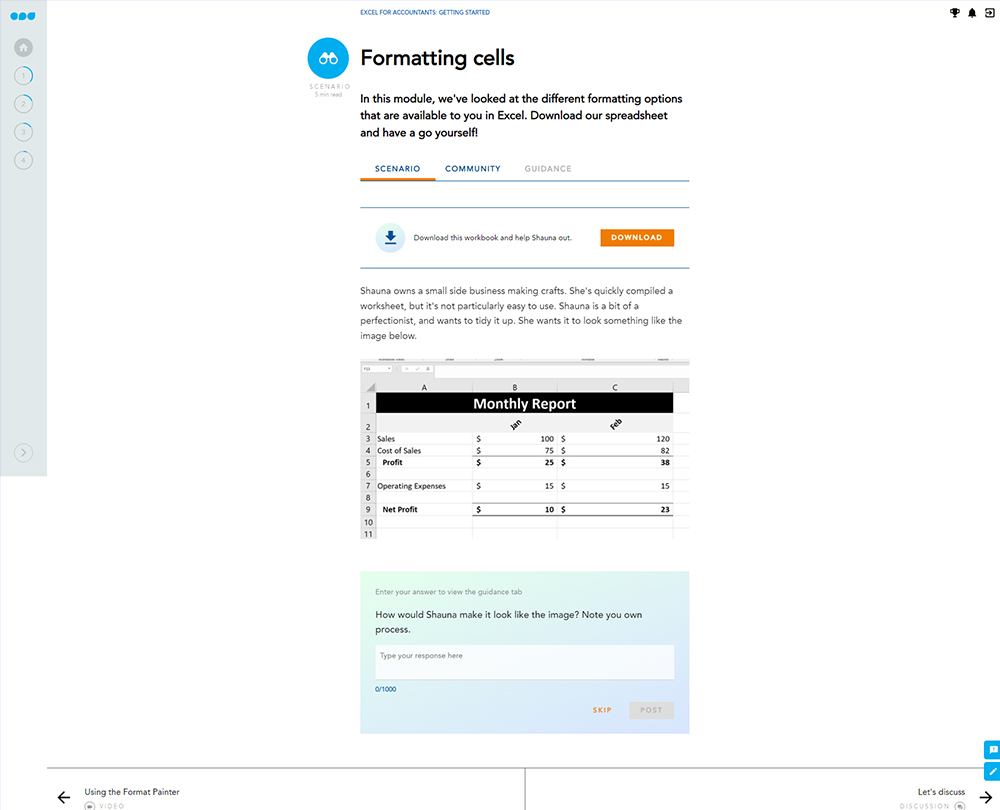
The Format Painter
Using the Format Painter
Print and preview options
In this module…
Preview and print
Page options for printing
Amending page margins
Available sheet options
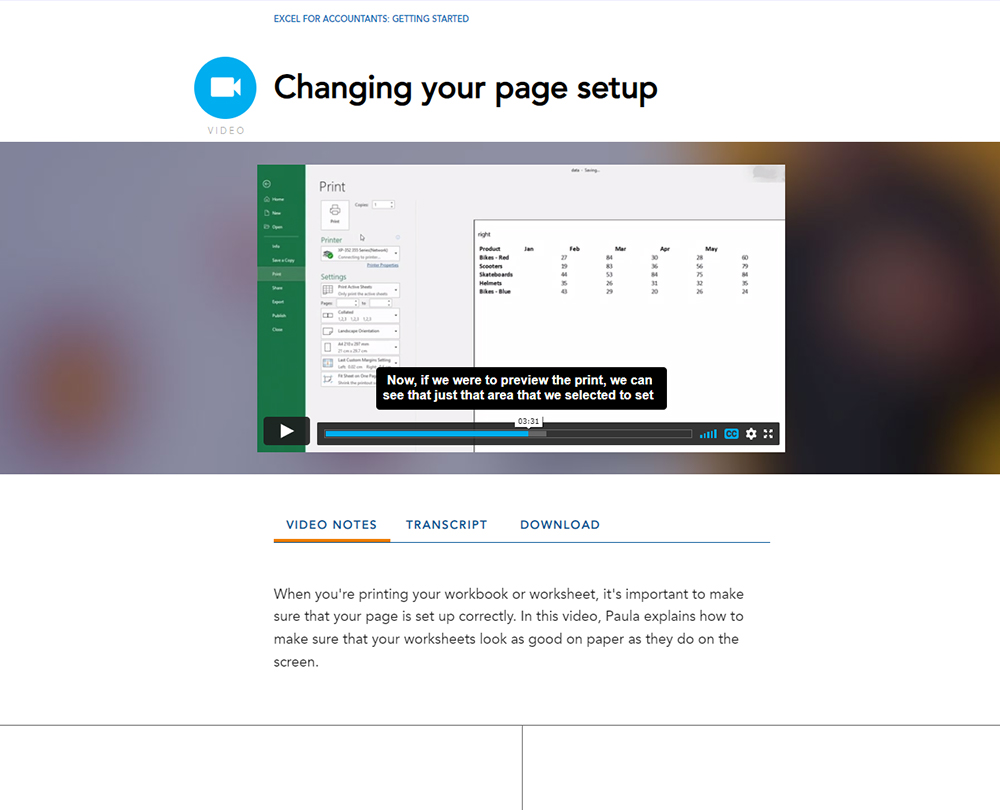
Changing your page setup
Adding headers and footers
Customising headers and footers
Changing the view of a workbook
Navigating the View Ribbon
Insert options
In this module…
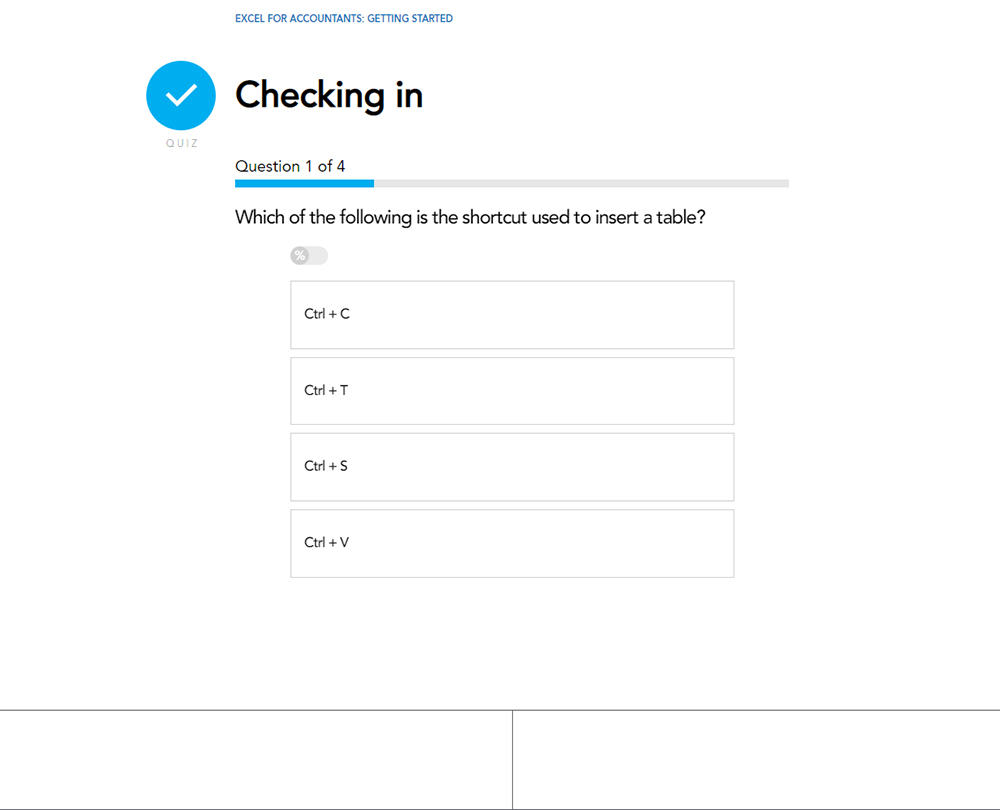
Inserting a table
Using shortcuts to navigate a table
Formatting a table
Practising formatting
Inserting a chart
Editing a chart
Amending chart elements
Hands on with Chart Elements
Inserting slicers and timelines
Using timelines and splicers
How it works
Author

Paula Guilfoyle
Paula practiced in Industry for over 15 years, working with both small and large private companies, before moving on to teach Excel and Power BI to accountants and professionals.
You might also like
Take a look at some of our bestselling courses