Excel Skills Booster for Accountants
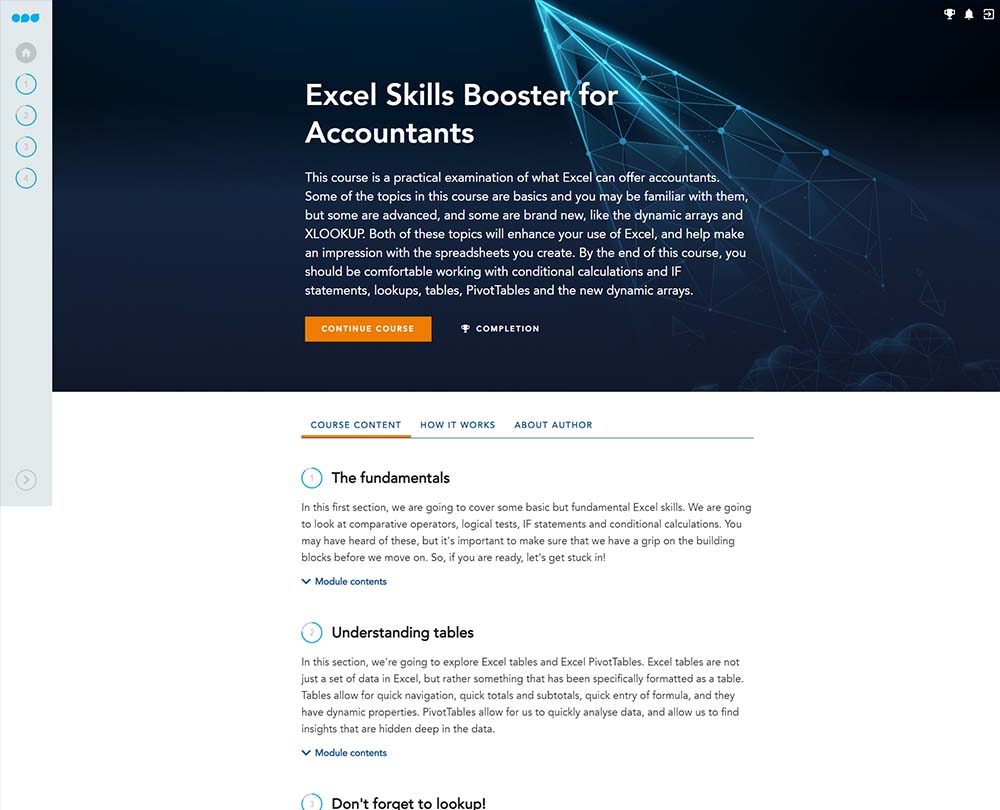
This course examines what Excel can offer accountants. Become confident in using fundamental and advanced Excel functions and features including conditional calculations and IF statements, lookups, tables, PivotTables and dynamic arrays.
£100 +VAT

Excel Skills Booster for Accountants
£100 +VAT
Excel Skills Booster for Accountants
This course is not currently available. To find out more, please get in touch.
This course will enable you to
- Familiarise yourself with some fundamental Excel functions including IF statements, AND statements, and OR statements
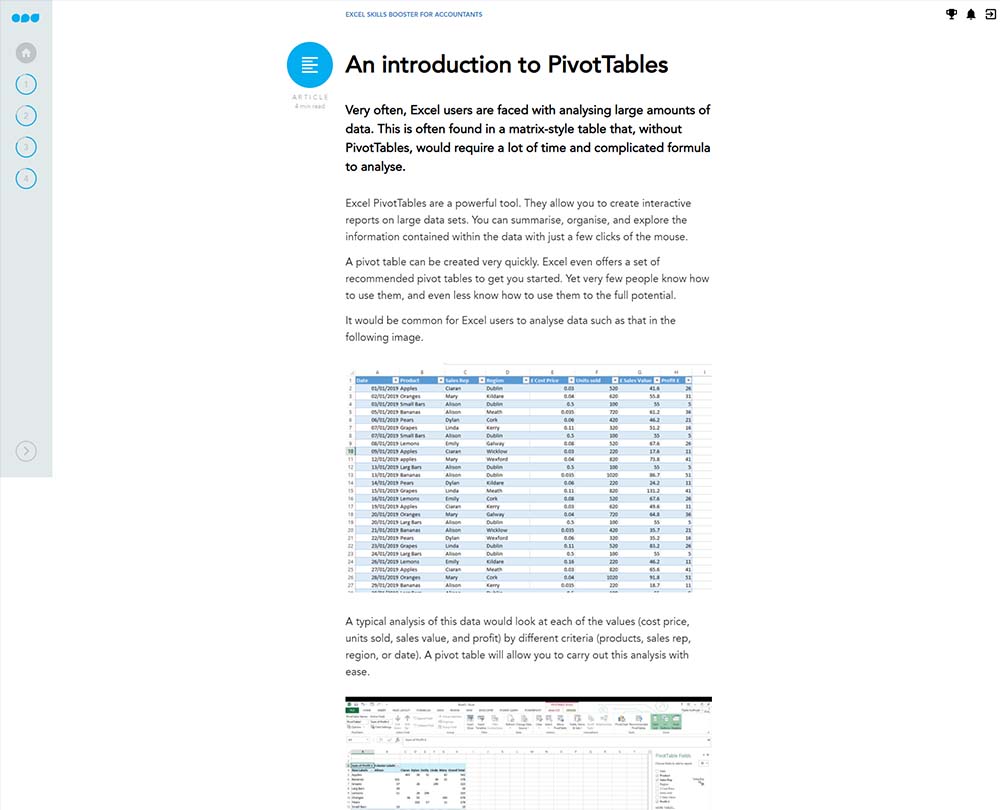
- Work with Excel PivotTables to quickly navigate, analyse data and find insights
- Understand the VLOOKUP formula and how you can overcome its limitations with XLOOKUP
- Use functions such as IF, INDEX, and MATCH to create dynamic and interactive charts
About the course
Excel is a valuable tool for any accountant, but with so many features, are you making the most of what it has to offer? It can be difficult to keep track of all the tools available in Excel, but some can really transform the spreadsheets that you produce.
This course will help you to ensure your Excel skills are up to date. Not only will you be able to use some fundamental functions of Excel such as IF statements, AND statements, and OR statements, but you’ll also discover the new XLOOKUP function. Familiarise yourself with the benefits that using Excel PivotTables can provide when analysing data and create dynamic, interactive charts using functions such as IF, INDEX, and MATCH.
Contents
The fundamentals
Logical tests, comparative operators, and IF statements
Comparative operators
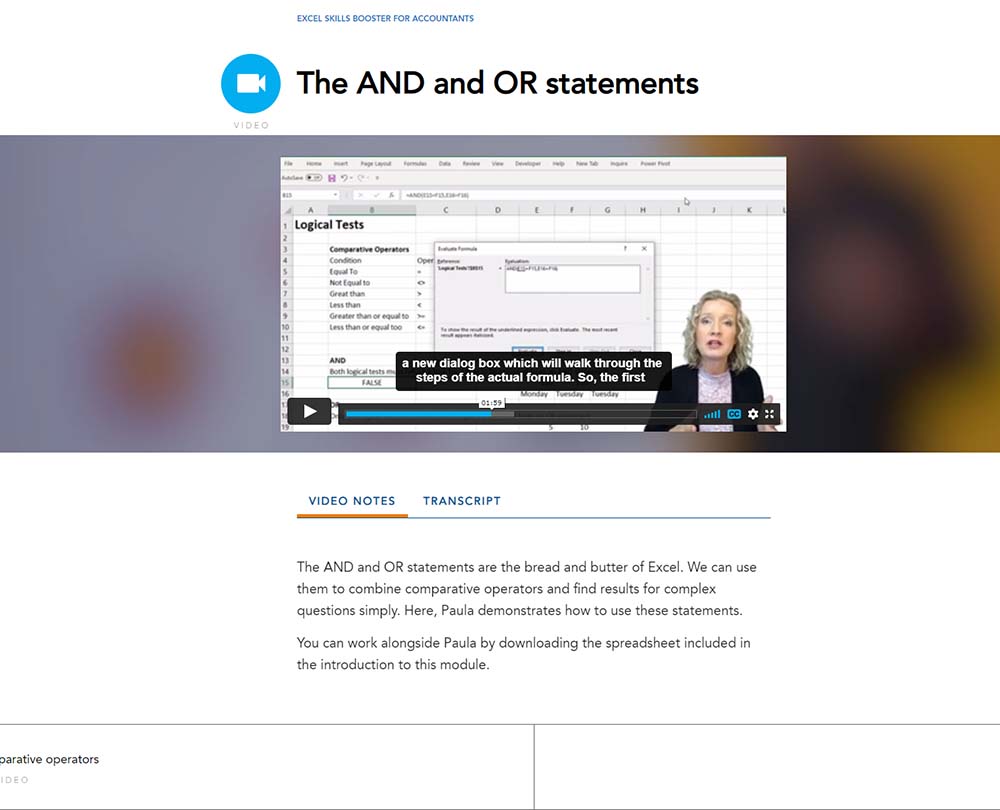
The AND and OR statements
The basics of IF
Using IF with AND
Nested IF statements
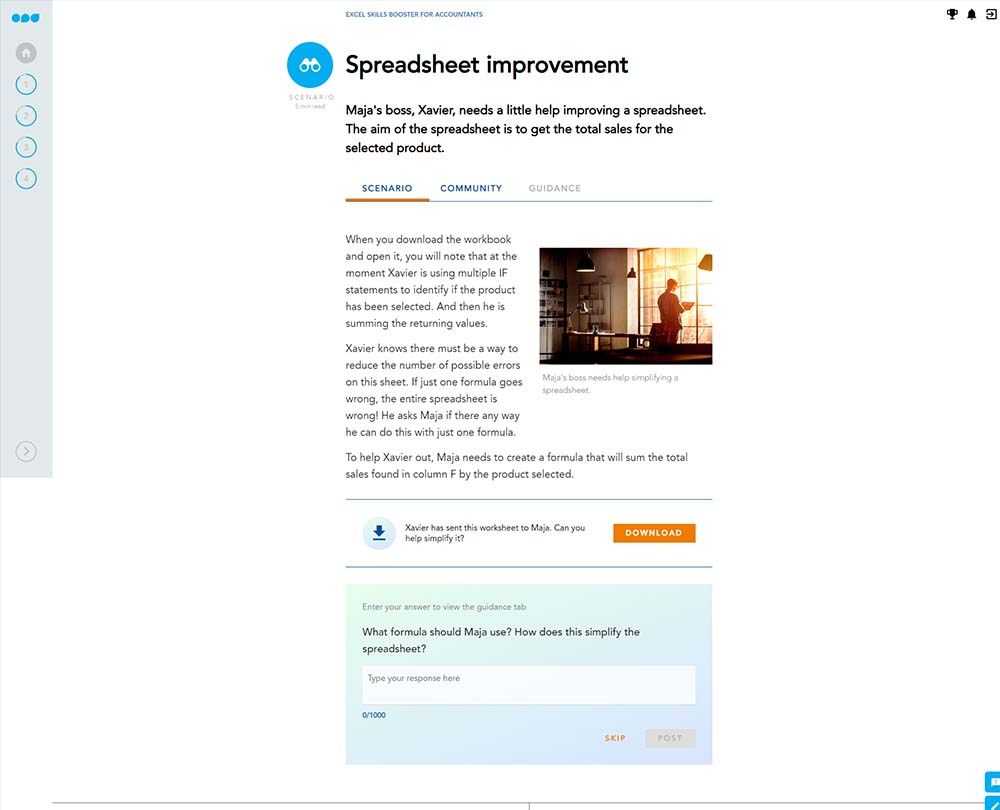
SUMIF and SUMIFS
Understanding tables
Working with tables
An introduction to PivotTables
Inserting PivotTables
PivotTable design
Advanced PivotTable tricks
Paula’s analysis
Don’t forget to lookup!
Introducing VLOOKUP
VLOOKUP with approximate match
INDEX
MATCH
Looking up to the left
INDEX and MATCH
XLOOKUP vs VLOOKUP
XLOOKUP
XLOOKUP with wildcards
XLOOKUP approximate match
Advanced charting techniques
How to fix the axis scale across multiple charts
Data validation
Dynamic ranges to visualise subsets of data
Tips for creating dashboards
Formatting charts based on criteria
How it works
Author

Paula Guilfoyle
Paula practiced in Industry for over 15 years, working with both small and large private companies, before moving on to teach Excel and Power BI to accountants and professionals.
You might also like
Take a look at some of our bestselling courses