Intermediate Excel Formulas for Accountants
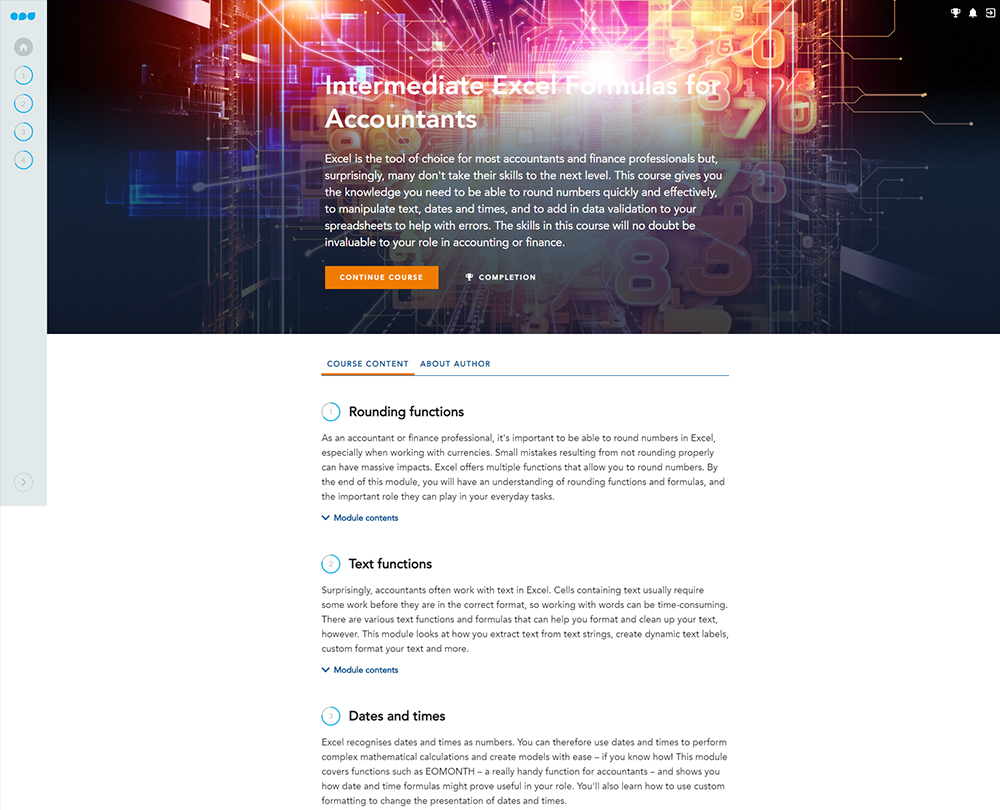
ake your Excel skills to the next level with this course on intermediate level formulas. Learn about a variety of rounding and text functions, as well as how to make the most out of date and time formulas and increase your workbooks resistance to errors.
£100 +VAT

Intermediate Excel Formulas for Accountants
£100 +VAT
Intermediate Excel Formulas for Accountants
This course is not currently available. To find out more, please get in touch.
This course will enable you to
- Use a variety of rounding functions and formulas
- Extract text from text strings, create dynamic text labels, and custom format your text
- Use custom formatting to change the presentation of dates and times
- Make your workbooks more resistant to errors by setting up data validation and creating error-resistant formulas
About the course
Excel is the tool of choice for accountants, but many of us only use a fraction of the functionality available. It can be difficult to enhance your Excel skills when you don’t know what tools are available to you.
This course builds on your Excel knowledge and skills by introducing you to even more formulas that you can use in your accounting or finance role. You’ll master a variety of rounding and text functions, understand how to use date and time formulas in your role and how to create error-resistant formulas. It’s an ideal course for finance professionals who have mastered general level formulas and are looking to take their skills to the next level.
Contents
Rounding functions
Welcome
Functions for rounding
ROUND function
ROUNDUP and ROUNDDOWN
FLOOR.MATH and CEILING.MATH
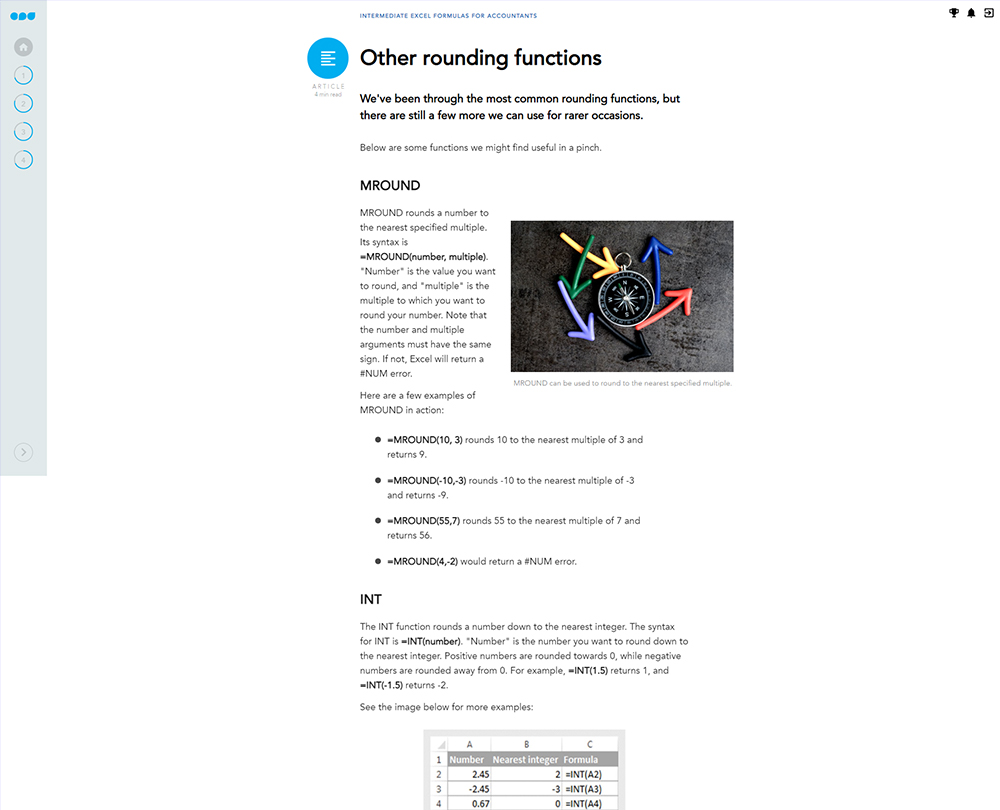
Other rounding functions
Text functions
Welcome
Separating text
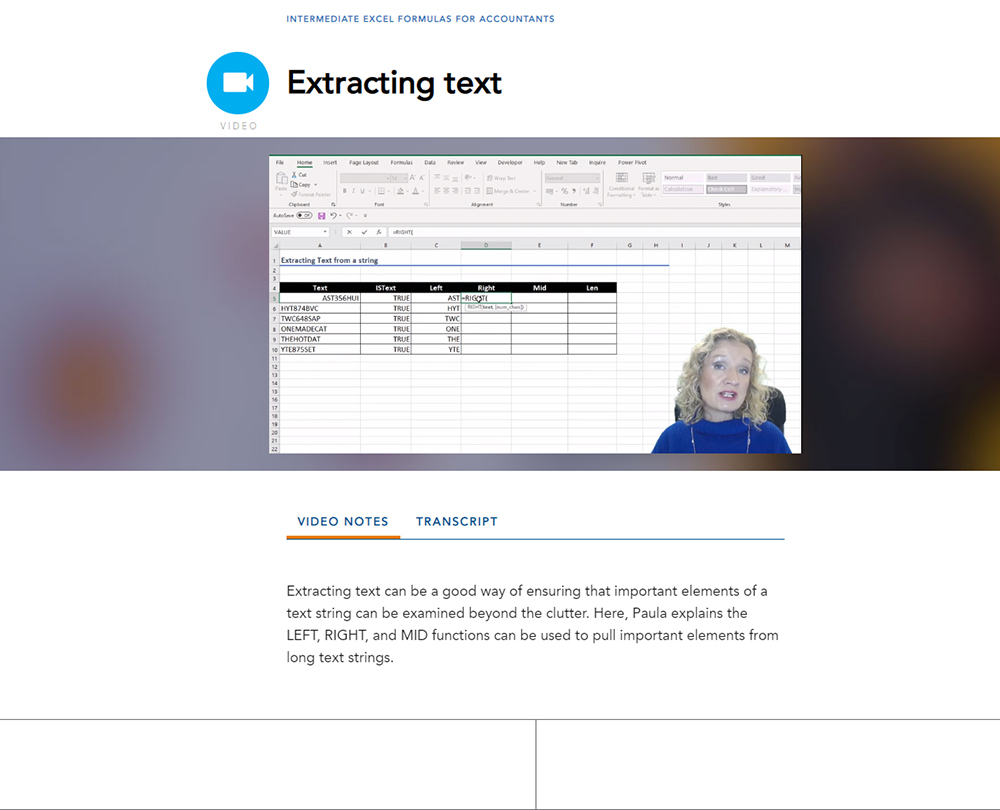
Extracting text
Cleaning text
Searching and amending text
Custom formatting
Dynamic labels
Dates and times
Welcome
How Excel works
Calculating duration
EOMONTH
Formatting dates and times
Working with working days
More date and time functions
Data validation and errors
Welcome
The basics of data validation
Applying data validation
Advanced data validation
Errors
How it works
Author

Paula Guilfoyle
Paula practiced in Industry for over 15 years, working with both small and large private companies, before moving on to teach Excel and Power BI to accountants and professionals.
You might also like
Take a look at some of our bestselling courses